Color by Number Worksheets
Make a color by number page in seconds. Choose the pictures and how many colors you want, then print it or save a PDF.
Customize
More options
The preview updates as you change the settings.
What is color by number?
Color by number is a classic classroom activity. Each space in a picture has a number, and a color key tells your child which crayon goes with which number. Your child reads the number, finds it in the key, and colors the space. Slowly a hidden picture appears in the right colors. It is a gentle way to practice number recognition, following a key, staying inside the lines and keeping going until a job is finished.
How to use the generator
- Choose one or more picture groups: garden, sea, treats or fun things. Mixing groups makes a more varied sheet.
- Choose how many colors you want. Easy uses four colors, medium six and hard nine.
- Choose one big picture per page for younger children, or two or four smaller pictures for more practice.
- Press Generate new worksheet, then print the sheet or save it as a PDF. Turn on the answer key to get an extra page that shows each picture in the right colors.
What the three levels mean
- Easy uses only the numbers 1 to 4: red, yellow, green and blue. It suits children who are just learning their first numbers.
- Medium uses the numbers 1 to 6 and adds orange and brown. The pictures look more natural, and children keep more numbers in mind.
- Hard uses the numbers 1 to 9 and adds purple, pink and gray. It is a good challenge for confident number readers, and it works well as a quiet-time or early-finisher activity.
How the numbers are chosen
Every picture is an original drawing. The generator looks at the color of each space and gives it the number of the closest crayon in your key, so a ripe banana is yellow and a fire engine is red. The number sits in the roomiest part of the space so it is easy to see and to color around. Very light spaces, such as white clouds or paper, get no number and stay white. A color key printed under each picture shows the number, a color swatch and the color name, so the sheet also works when you print it in black and white.
For themed coloring pages, the free Halloween activity book has four pictures to color and three draw-and-decorate pages.
Tips for parents and teachers
Lay out only the crayons your child needs, and let them find the right one for each number. Suggest finishing one number at a time: all the 1s, then all the 2s. This makes the picture appear step by step and keeps attention on one color at a time. Keep the answer key for checking, not for showing. If a space is colored the wrong color, talk about it kindly. A purple cow is a perfectly good picture too.
Frequently asked questions
What age is color by number for?
Most children enjoy it from about age 4 or 5, once they know the numbers 1 to 4, up to the early school years. Start with the easy level and one big picture, then add colors and pictures as your child gains confidence.
Will every worksheet be different?
Yes. Each time you press Generate new worksheet the pictures are chosen again from the groups you picked.
Which crayons do I need?
The easy level needs only four: red, yellow, green and blue. The medium level adds orange and brown, and the hard level adds purple, pink and gray. A color key with the number, a color swatch and the color name is printed under each picture.
Are the pictures copyrighted?
No. All pictures are simple original drawings made for KidsTracing. They are not taken from any book, game or cartoon.
How do I get the answers?
Turn on “Include answer key page”, or press “Show answer key”. The key is the same picture colored in the crayon colors.
Free printable workbooks
Want a planned set instead of a single page? These free PDF workbooks practice counting and numbers in a step-by-step order.
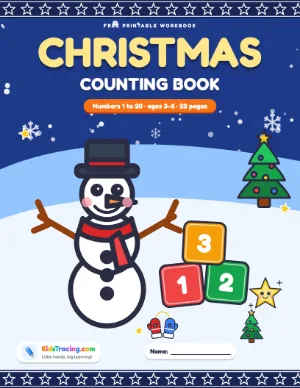
Christmas Counting Book
Count and color Christmas pictures, trace the numbers 1 to 20 and play counting games and a dot-to-dot.
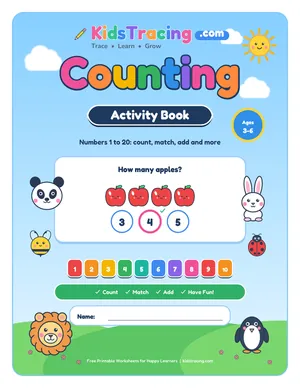
Counting Activity Book
Count to 20 with ten frames, tally marks and dice, then compare, skip count, add and take away. With an answer key.
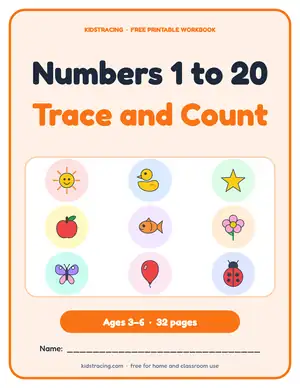
Number Tracing and Counting Book
Trace, count and color every number from 1 to 20, then practice number words and skip counting.
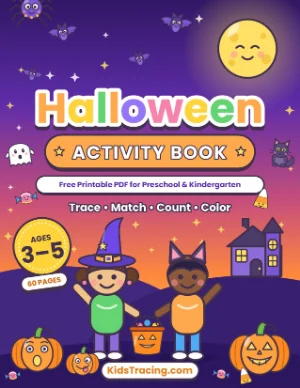
Halloween Activity Book
60 friendly pages of Halloween tracing, counting, matching, mazes, dot to dot and coloring, with a certificate.
Related worksheet tools
Explore more: Number Worksheets · Preschool Worksheets · All free worksheet tools